
Dracula Theme #
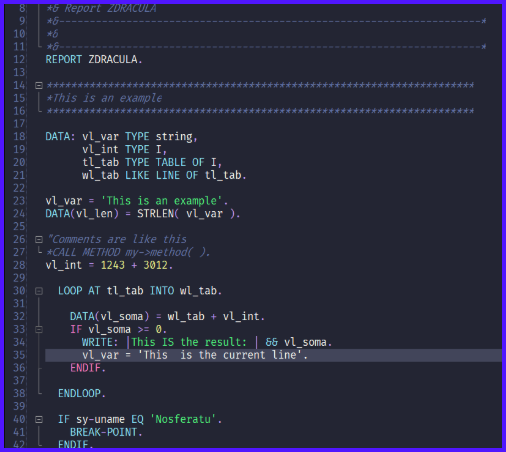
Results #
Manual Installation #
Reference: https://draculatheme.com/abap
-
Completely close SAP GUI
-
Download the zip: https://github.com/dracula/abap/archive/master.zip
-
Unzip the folder
-
In the /abap-master folder, retrieve the abap_spec.xml file
-
Press [ Win ] + [ R ] and enter
%APPDATA%in the field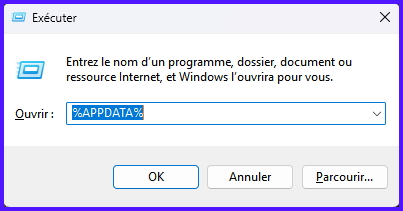
-
In the
SAP/SAP GUI/ABAP Editorfolder…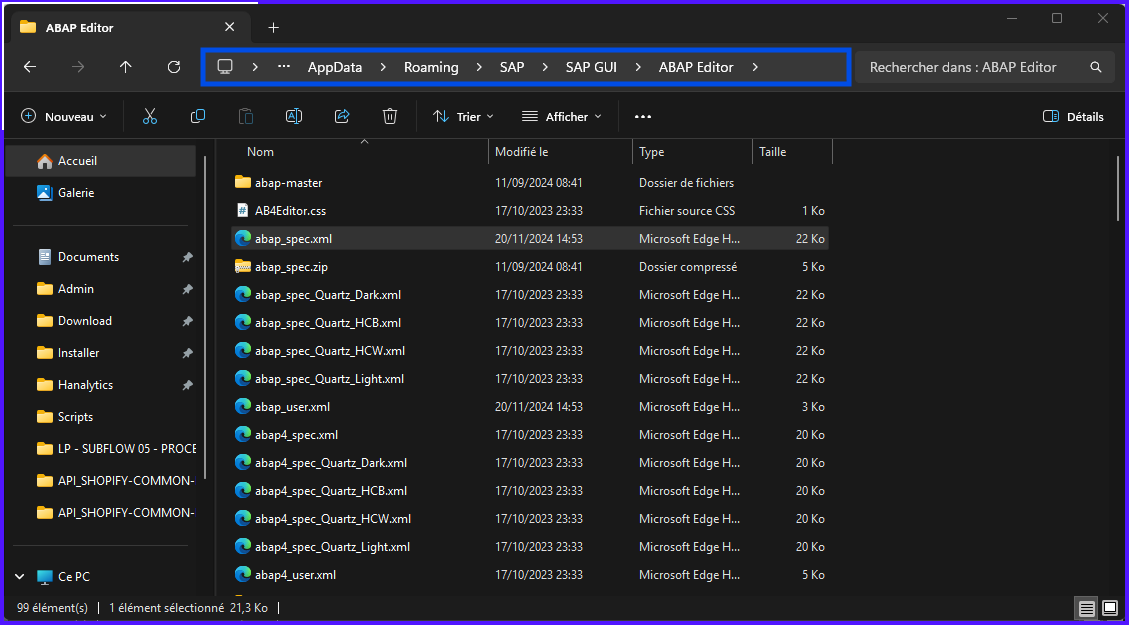
-
Create a backup copy of the original
abap_spec.xmlfile (backup just in case) -
Replace the
abap_spec.xmlfile with the one from the zip folder -
Launch SAP GUI to view the theme change